
I Tried Making Porn Videos With Candy AI
I tested Candy AI Video Creator Studio’s Lite and Pro modes. Pro delivered more natural movement and matching sounds, but they come at a significant price.

Candy AI Porn Videos
Candy AI now has a Video Creator Studio for generating short character videos. It’s a completely separate feature from Candy AI Shorts or Candy Cams.
With Creator Studio, you can create all kinds of porn videos. But there is a catch. Video generation gets expensive fast, especially with Pro or one of its multi-clip preset stories.
What is Candy AI Video Studio?
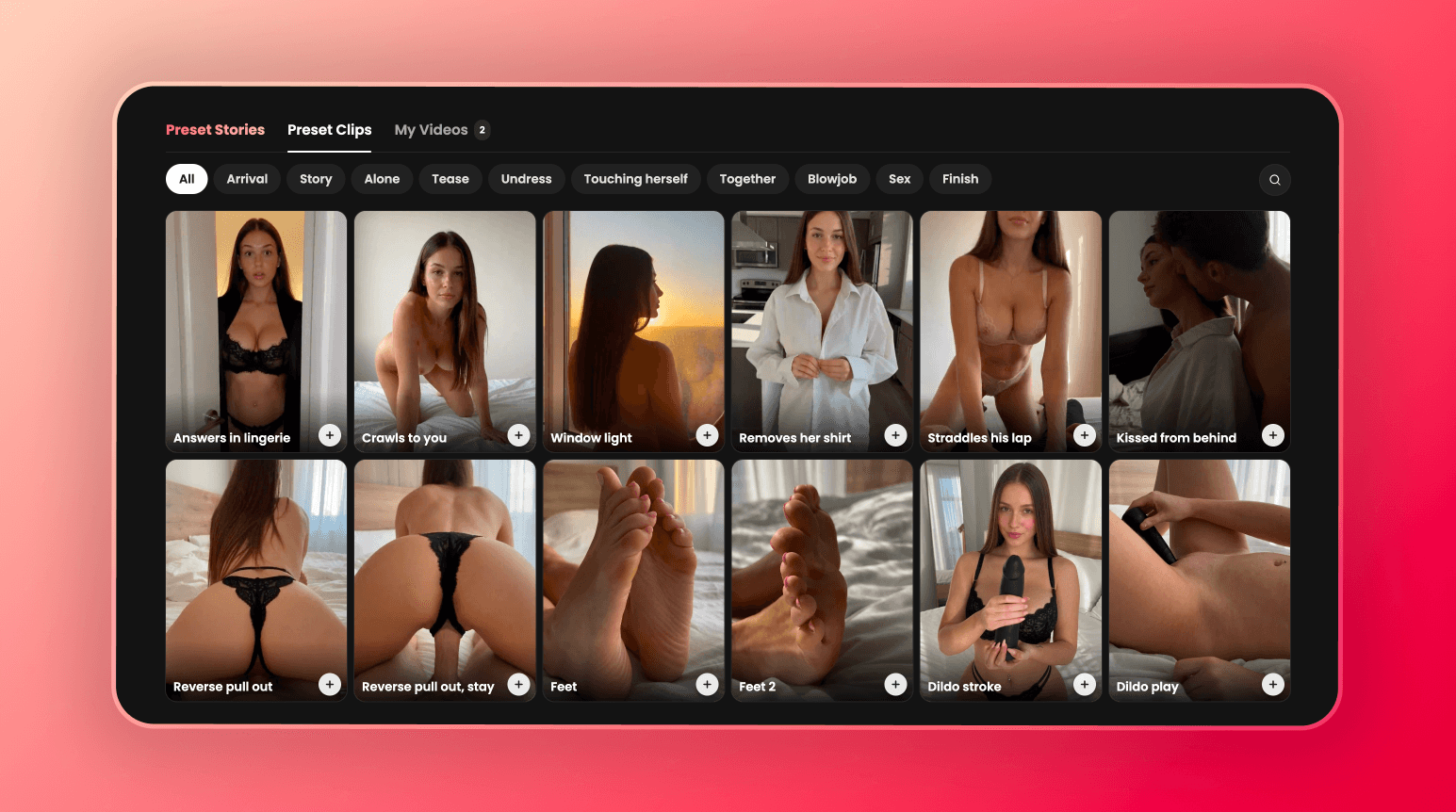
Candy AI Video Creator Studio lets you create short videos by choosing a character, location, and action. You’re basically generating a new video rather than watching a pre-made series.
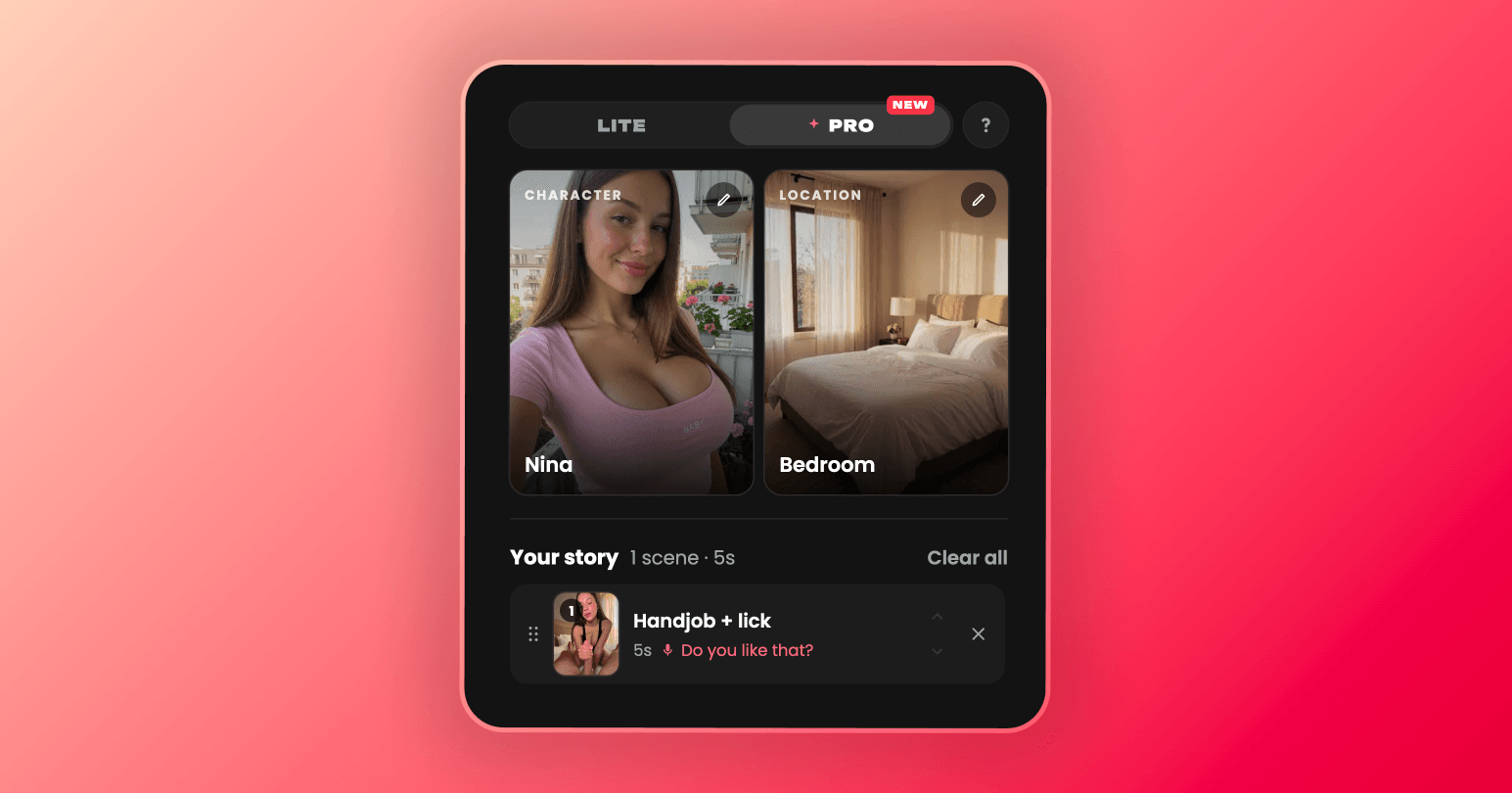
The studio has two generation modes: Lite and Pro. Lite has a simpler selection process. Pro adds more presets, better filtering, and what appeared to be a broader character selection.
Pro also includes preset stories: themed combinations of multiple clips built around a predefined location and scenario.
This is different from Candy AI Shorts. Shorts are pre-made character series, while the Video Creator Studio gives you control over what gets generated. I’ve covered Candy AI Shorts separately, along with Candy AI’s other features in my full Candy AI review.
Candy AI Lite: Quick With Noticeable Limitations
Lite is the simpler version of Candy AI’s video creator. You choose a character, an available action, and a location.
For my test, I selected Nina, chose a cowgirl POV action, and set the scene in a kitchen. The finished five-second clip followed all three choices.
The setting and action were both right. That sounds basic, but AI video generators don’t always follow every part of a request, so it was a good start.
The clip looked fairly realistic at first glance. Once it started moving, though, some of the motion looked unnatural.
Lite also generated sound that matched what was happening in the scene. It helped, although the audio still sounded artificial to me.
Generation took around one minute, which felt reasonably quick. The five-second clip cost 10 tokens.
Lite is the more approachable option if you just want to experiment. Even so, those 10-token generations could add up if you keep retrying scenes to get exactly what you want.
Candy AI Pro: Better but Higher Cost
Pro also starts with character selection, but there are more options. Alongside Candy AI characters, I saw what appeared to be verified Candy creators, including Mia Malkova and Asa Akira.
Once you’ve chosen a character and location, you can browse a much larger preset library. The filters make it easier to narrow down the options instead of endlessly scrolling through scenes.
My Pro video took around three minutes to generate—roughly three times as long as the Lite clip. However, I only generated one video in each mode.
The difference was obvious. Movement looked more natural than it did in Lite, and the sound matched the action.
Honestly, I was impressed. The clip wasn’t just technically better. It was more convincing to watch.
Then there’s the price. My five-second Pro generation cost 36 credits, compared with 10 tokens for Lite.
Candy AI used different balance terms for the two modes, so I’m keeping the units exactly as displayed rather than assuming there’s a one-to-one conversion. Either way, Pro showed a much higher charge for the clip I tested.
A few generations like that could burn through your balance quickly.
Candy AI Pro Series
Pro’s preset stories go beyond a single five-second video. Each one combines multiple clips into a themed sequence, with the location and scenario already chosen.
I saw around 10 preset stories during testing. The appeal is clear. Instead of generating a collection of unrelated clips, you get a structured sequence built around one setup.
I selected Private Tutor to check the total. Candy AI showed a price of 260 tokens for the full story—a serious jump from one short Lite clip.
Preset stories may suit anyone who wants a longer, more organized sequence without building every scene manually. At 260 tokens for the option I checked, though, this felt firmly like a premium feature rather than something I’d generate casually.
How to Access This Feature
Here’s the odd part: I found the studio by accident. At the time of testing, I couldn’t reach it through Candy AI’s visible interface.
That may have changed, and other accounts could behave differently. It simply wasn’t accessible through the interface in the account and version I tested.
I used this direct address instead: https://candy.ai/create-video/studio
Creating a video is straightforward:
- Choose Lite or Pro.
- Select a character.
- Pick a location.
- Choose an action or video preset.
- Generate the clip.
Pro has more presets and filtering options, but the basic process is similar in both modes.
Final thoughts
Candy AI Video Creator Studio was better than I expected. Lite followed my choices and produced a usable clip in around a minute. Pro delivered noticeably more natural movement and convincing matching audio.
The prices are harder to overlook. My five-second Lite clip cost 10 tokens, the five-second Pro clip cost 36 credits, and the Private Tutor preset story showed a total of 260 tokens.
My recommendation is simple: use Lite if you’re curious and want to experiment. Save Pro for scenes where the quality improvement genuinely matters to you. It produced the best video in my test, but repeated generations could get expensive very quickly.
For an assessment of the complete platform rather than this single feature, read our full Candy AI review.
Frequently Asked Questions
Are Candy AI Videos worth it?
Yes, the studio can produce good results. My Lite scene followed the selected character, action, and location, while both modes generated audio that matched their videos.
Pro delivered the best output in my test. Its movement looked more natural, the preset library was larger, and the filters made scenes easier to find.
But there is one major drawback: generating videos will drain your balance quickly.
